If you want to increase the exposure and revenue of your business, advertising on Google Ads is one of the most effective strategies you can use. The advanced Google Ads system allows you to target your advertising precisely and reach the target audience at the right time. Later in this guide, we will introduce 10 simple steps to start advertising on Google Ads.
What is Google Ads?
Advertising on Google using Google Ads
Advertising on Google It is mainly done through the Google Ads platform, which allows businesses to display ads in search results, partner sites and YouTube videos. Through this platform, you can set a daily budget, choose keywords that are relevant, and target the ads according to various parameters such as geographic location, age, gender, interests, and more.
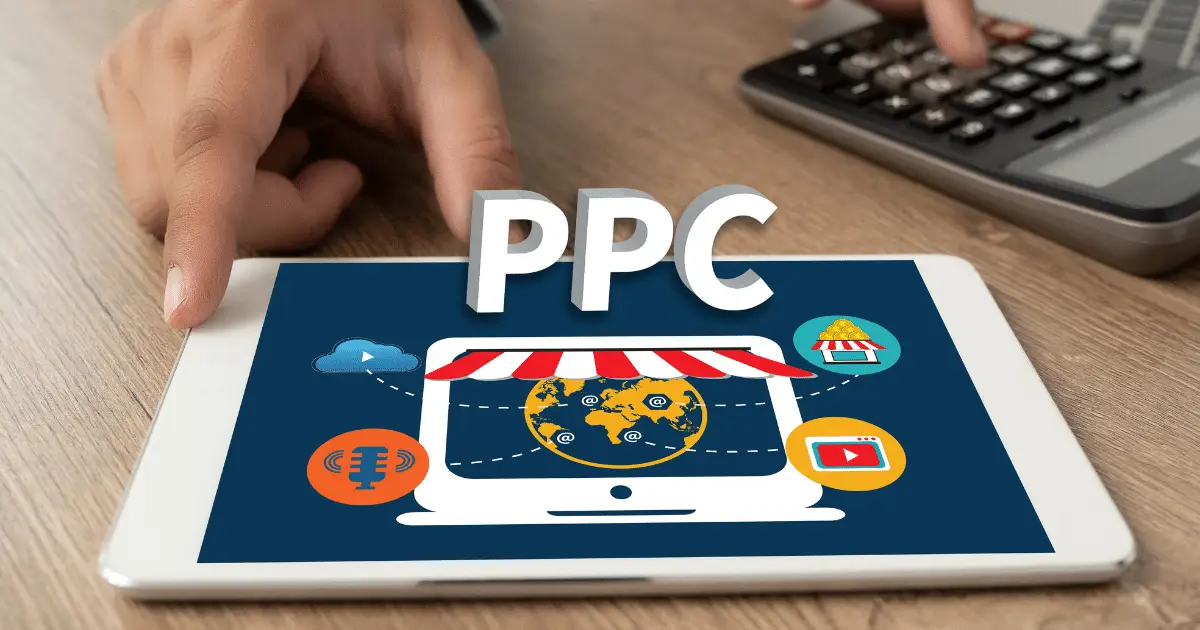
Google Ads: Pay Per Click (PPC)
Advertising on Google Ads, now known as Google Ads (formerly Google AdWords), is An online advertising system that enables businesses Create ads and display them to users searching for similar products or services on the Google search engine. Google advertising is based on a pay-per-click (PPC) system, where the advertiser pays only when a user clicks on the ad.
Campaign management tools
The system includes various tools that allow advertisers to manage their campaigns efficiently and accurately. You can set a daily budget, select targeted keywords, analyze real-time results and optimize to ensure optimal performance. In addition, advertising on Google allows advanced targeting through the definition of geographic area, age, gender and interests, which enables reaching a precise target audience.
Google Merchant Center and Google Shopping
As part of the Google Ads platform, Google Merchant Center can also be used to advertise on Google Shopping. The service is mainly intended for shopping sites and allows business owners to upload product details and display ads with their details in search results on various Google platforms, including search, media, partners and YouTube. The ads include images, descriptions, prices and availability of the products, which helps increase exposure and attract potential customers who want to purchase specific products.
The benefits of advertising on Google
Advertising on Google Ads offers a wide range of advantages for businesses of all sizes:
- A wide range of audiences:
- Google is the most popular search engine in the world, with billions of searches every day.
- Advertising on Google allows businesses to reach a huge and diverse audience.
- Precise targeting:
- The Google Ads system allows advertisers to target their ads by keywords, geographic location, demographics, and more.
- You can reach exactly the relevant target audience.
- Immediate results:
- Advertising on Google Ads allows you to see immediate results, unlike organic promotion (SEO) which can take time.
- You can upload a campaign and get clicks and customers within a few hours.
- Full control of the budget:
- The system allows precise control of the advertising budget, with the option of setting a daily budget ceiling.
- Unnecessary expenses can be avoided.
- Measurement and analysis:
- Google Ads provides advanced tools for measuring and analyzing campaign performance.
- You can track the number of clicks, the costs, the conversion rate and adjust the campaigns accordingly.
Advertising on Google Ads: how to start?
Step 1: Create a Google Ads account
To start advertising on Google, you will first need to create a Google Ads account. It is a simple process that can be done in a matter of minutes. Once you've signed up, you can log into the platform and manage all your campaigns from one place.
Detail: When registering, you will need to enter basic details about your business, including name, email address, and payment method information. It is important to ensure that all information is correct and up-to-date, as it will be used to define your campaigns and adapt them to your business needs.
Step 2: Defining campaign goals
Before you start creating ads, it's important to define what your goals are for advertising on Google. Do you want to increase website traffic, get more inquiries, or increase sales of your products in an online store. Defining clear goals will help you choose the most suitable type of campaign.
Detail: You can set goals such as website traffic, leads, online sales, raising brand awareness, or encouraging repeat purchases. At each stage, you can change the goals according to your needs and see how changing the goals affects the results of your campaigns.
Step 3: Choosing the type of campaign
Google Ads offers several types of campaigns, including search campaigns, display campaigns, YouTube campaigns, and smart campaigns. Each type of campaign is suitable for a different purpose, so it is important to choose the type of campaign that best suits your goals.
Detail: For example, if your goal is to bring immediate traffic to the site, a search campaign would be more appropriate. On the other hand, if you want to reach a wider audience with a visual message, a social media or YouTube campaign may be a better solution for you.
Step 4: Setting the daily budget
The campaign budget is a critical element of advertising on Google Ads. You must decide how much you are willing to spend each day for your campaign to run effectively. The budget can be small at first (recommended) and then it can be increased depending on the results of the campaign.
Detail: Choosing a daily budget will affect how often your ads will appear and how many clicks you can get. It is advisable to start with a lower budget and measure the impact, and then gradually increase according to the results and performance.
Step 5: Choosing keywords
The keywords are one of the most important elements of the Google Ads campaign. You should choose keywords that are related to your business and that potential customers will use in their Google searches. It is recommended to use Google's keyword tool to find the best terms.
Detail: Keywords can be broad or targeted. Broad keywords will bring more traffic, but less targeted, while targeted keywords will attract a more relevant audience. It's important to find the right balance to maximize the performance of your campaign.
Step 6: Create engaging ads
The ads you create must be clear and engaging. The ads should include interesting titles, short and accurate descriptions, and a link that leads to the appropriate landing page. Every part of the ad must be targeted to your target audience and deliver the message effectively.
Detail: The ad should include clear calls to action, such as "buy now", "sign up", or "contact". Also, in certain ads, it is important to pay attention to the design of the visibility of the ads, including colors, fonts and images, to make sure that they stand out in the eyes of the users.
Step 7: Geographic and demographic targeting
Google Ads allows you to target your ads by geographic location, age, gender, and interests. Accurate targeting can help you reach the most relevant audience and maximize the impact of your campaigns.
Detail: For example, if you run a local business, you can target your ads only to people in your geographic area. Also, if your product or service is suitable for certain ages, you can limit ads to that age group only.
Step 8: Using ad extensions
Ad extensions also called "assets" (formerly plugins) are powerful tools that allow you to add additional information to your ads, such as links to additional pages on the site, phone numbers, images, logos, lead forms, and more. These extensions increase the chance that the user will click on the ad.
Detail: Ad extensions include links to the website, call extensions (for establishing a telephone contact), location extensions (business address), and more. Using these extensions can improve your Google ad ranking and make them more attractive to users.
Step 9: Monitor and analyze performance
Tracking campaign performance is essential to making sure you're getting the results you expect. Google's system provides different and diverse reports, tools for monitoring performance in real time, including the number of clicks, exposures, and cost per click. This way you can continuously optimize your campaigns.
Detail: Tracking includes data analysis such as click-through rate (CTR), conversion rate, and cost per conversion (CPA). Proper tracking allows you to identify which ads and keywords are performing the best and make changes accordingly to improve results.
Step 10: Integrating advanced strategies
When your basic campaign is working, more advanced strategies can be incorporated such as:
- Remarketing: Showing ads to users who have previously visited your site, to bring them back and complete the purchase.
- Local advertising: using geographic targeting to reach customers in certain areas.
- A/B testing: comparing different versions of ads to see which version works better.
To maximize the performance of your campaigns, it's important to perform ongoing optimization. You can change keywords, adjust the budget, improve the ads, and test different versions of the ads to see which one works best.
Detail: The optimization also includes examining the efficiency of conversions, coordination between keywords and ads, and improving the quality of landing pages. Any small change can have a significant impact on the overall performance of the campaign.
In conclusion
Advertising on Google Ads is a powerful tool that can bring impressive results if used correctly. By setting clear goals, creating targeted campaigns, monitoring and ongoing optimization, you can maximize your return on investment and grow your business significantly.
Google advertising with Adwrks 365 digital marketing agency
A leading digital marketing agency offering a wide range of advanced services. As a certified partner agency of Google and Facebook, since 2018 we have been helping businesses grow and succeed in the digital world, from building websites to managing sponsored campaigns, we provide comprehensive solutions for every need. With proven experience in three languages - Hebrew, Russian and English - we serve diverse clients from all fields.
Interested in increasing exposure on the Internet? Advertise on Google (professionally)? Get in touch today!
Call now or fill out a quick contact form
Frequently asked questions
Do I need a website before running Google Ads?
You need a landing page with a clear offer and a way to contact you. A weak page wastes budget regardless of how good the ads are.
What should I set up before spending money?
Conversion tracking (calls, forms), a daily budget you can sustain, and a short, relevant keyword list with negative keywords.
Can I manage the campaign myself?
Yes, for a small, simple campaign. Time, learning curve, and more channels are the usual reasons to bring in a specialist.